A creative canvas for all your image AI.
Keep your large photograph intact. Use AI to change a detail, then paint and refine the result. SQUAD Studio brings it together in one desktop workspace.
Public beta · Apple Silicon Mac · 64-bit Windows

An infinite canvas  for you and your team.
When the photograph, sketches, and references are scattered across separate windows, it is harder to see whether an idea belongs in the picture. SQUAD Studio gives you room to bring them together on a canvas with no page edges, so you can judge each possibility against the work it needs to fit.
If that decision belongs to more than one person, the Team plan lets you work through it together on the same canvas. Bring your collaborators into the picture while the direction is still taking shape.
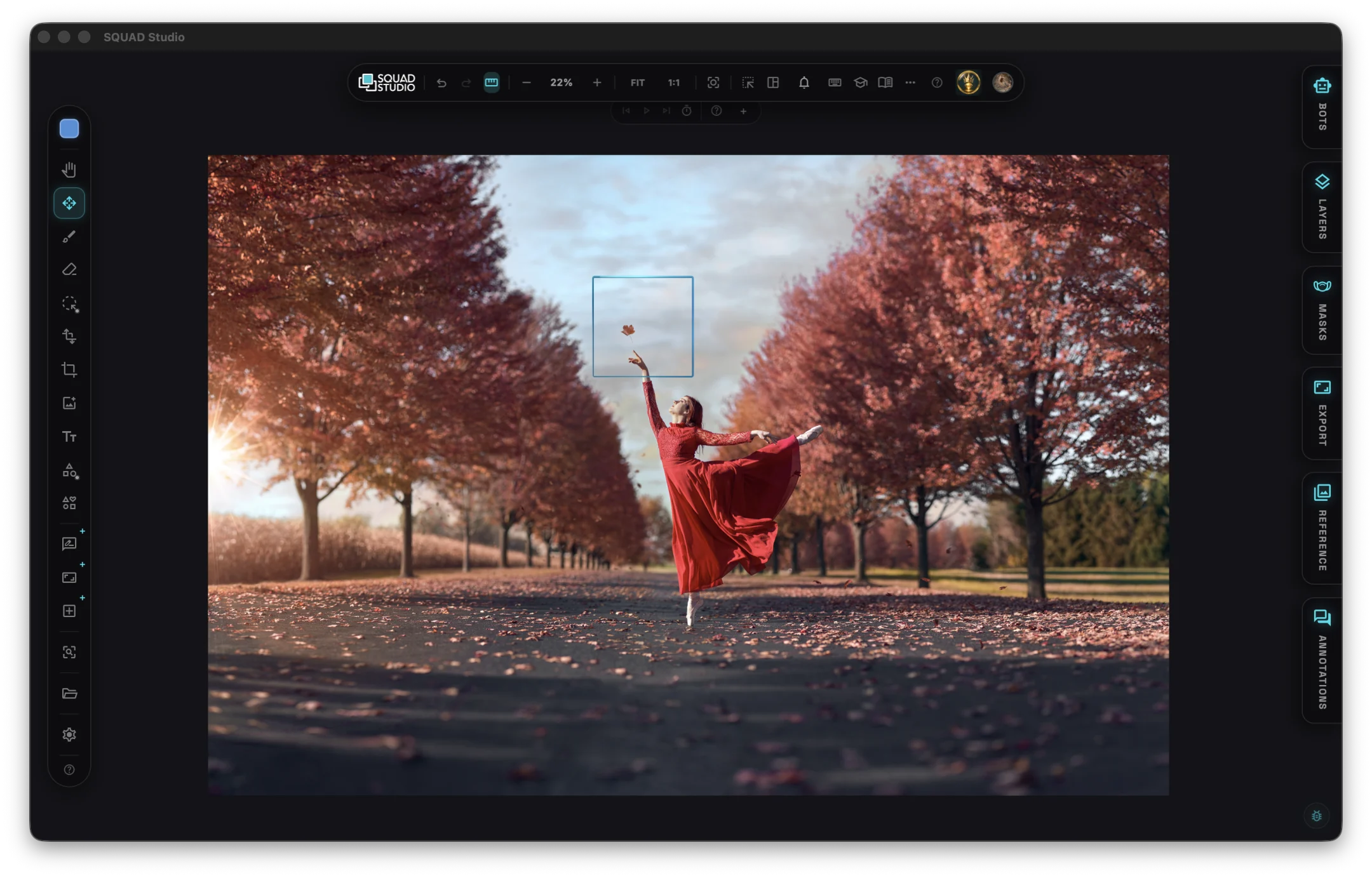
Your photograph stays at full resolution while a small bot frame targets one detail. You can change what’s inside it without shrinking the composition around it.
Choose what you want  to make.
You may know exactly what you want to try, such as a different outfit or a product in a scene, without knowing which AI tool can help. In SQUAD Studio, each tool has a bot card that explains its job and the pictures it needs, giving you a practical place to start with the idea in front of you.
Before you commit to a direction, you can try it against the photograph you are already working on. The card shown here brings a person and a garment into an outfit study, so you have something concrete to judge.
See how image tools work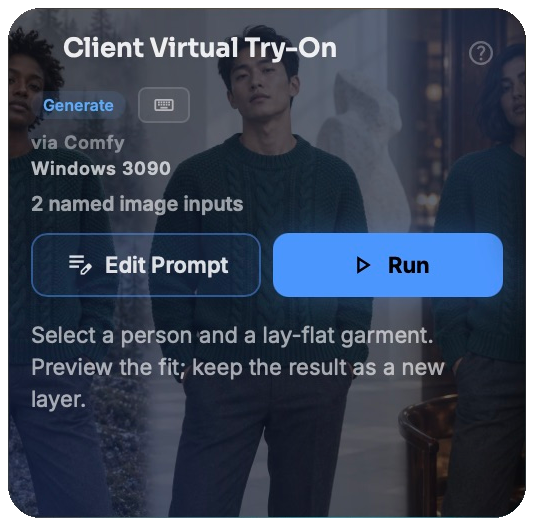
Add a person’s picture and a garment laid flat to the two named inputs, then run the prepared try-on tool to explore how they look together.
Picture your next project  here.
Have a photograph you want to rework or an idea you want to explore? Download the beta and try SQUAD Studio with your own work.
Free is $0. Commercial work is welcome.
Keep the whole picture.  Change the detail.
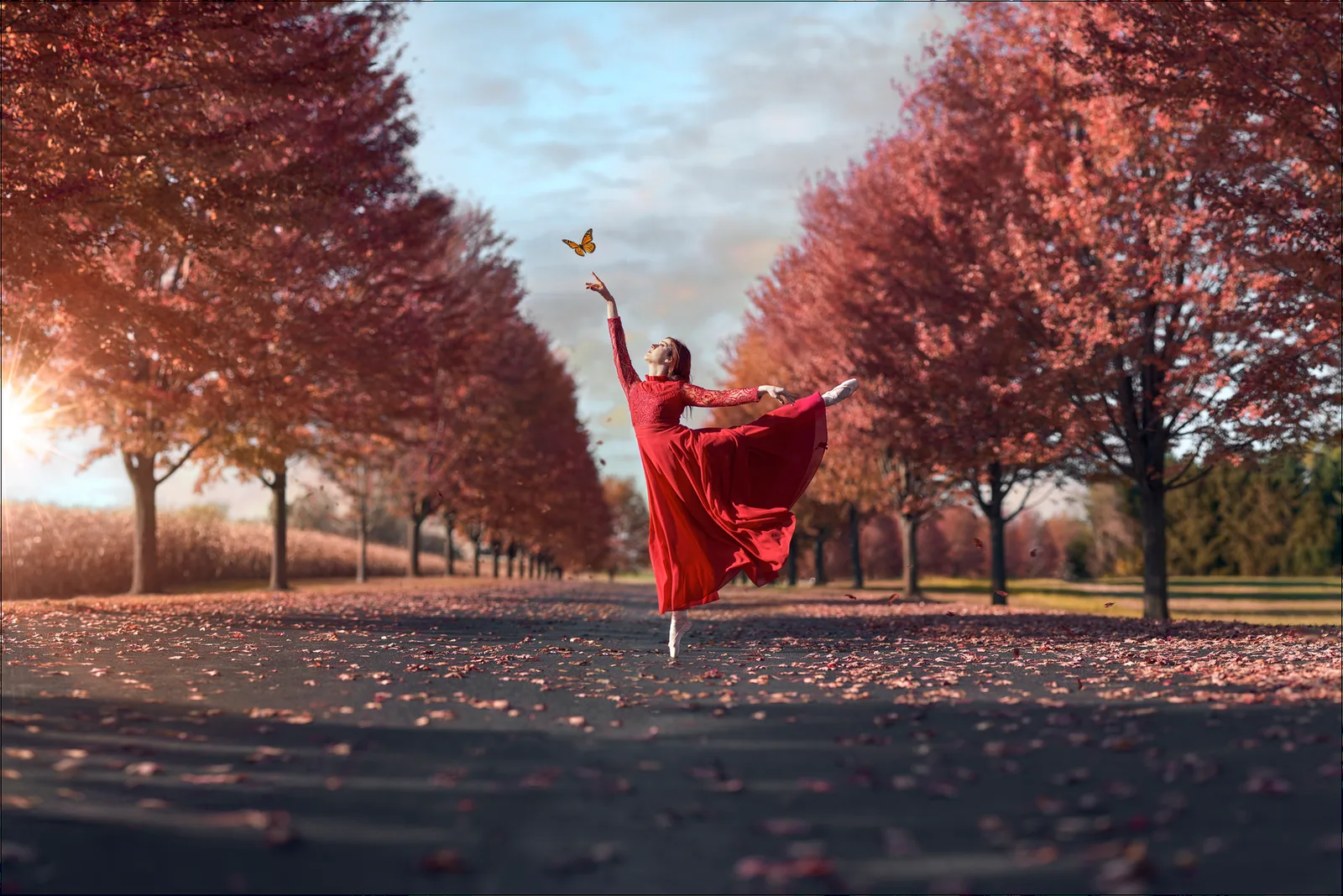
The 14,662 × 9,774 pixel photograph keeps its detail while a butterfly replaces one leaf. Model: Jennifer Raelynn. Photo by Scott E. Detweiler.
A small AI frame should not force you to shrink a large photograph and give up the detail you need. Keep the original at full resolution, place the frame over the part you want to change, and work the returned image into that spot on a separate layer. The AI still uses the working size its tool supports, while the rest of your photograph stays intact.
See the photo walkthroughYour image tools. 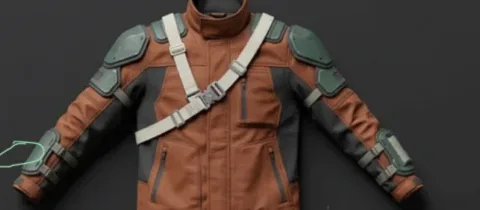 One place to create.
One image tool may get the lighting right while another gives you a more useful starting point for the subject. Bring the ComfyUI setup your studio uses into SQUAD Studio, with supported online image services available on Pro and Team, so you can choose what suits the picture as you work.
You pay any image-service or rented-computer costs directly. SQUAD Studio adds no charge per image.
Run it your wayYou choose what leaves  the canvas.
A private brief needs a clear answer about what you are sharing before you send a job. When you use an outside image service, it receives your written instructions, the area inside the frame, and any reference pictures you select. The surrounding canvas stays on your machine. Use an entirely local setup to keep that image-making work in-house.
If your studio also needs rules for the kind of work it makes, Team offers optional in-house content checks. You can review how those checks fit your briefs before deciding whether to use them.
Make room for  your next idea.
Download the beta and make yourself at home. Bring the photograph, sketch, or idea you want to work on.
Start with Free for one creator. See all plans
Public beta · Apple Silicon Mac · 64-bit Windows